
Learn how to improve the visual accessibility of your eLearning by improving the contrast in your visual design.
Most Recent Articles
When Instructional Designers Can’t Talk to the Target Audience
Don’t give up hope if you can’t talk to the target audience. There are still many ways to research and understand them.
Ideas For Designing Nonlinear eLearning
Do you default to a linear structure when designing eLearning? Nonlinear eLearning might be the best choice for your audience and content.
12 Books for Instructional Designers to Read This Year
A roundup of books for instructional designers published in the past year that will be sure to expand your horizons.
10 Thoughts About Design and Design Thinking in Instructional Design
Design and design thinking are messy processes. There is no straight line from point A to point B.
Blocks to Creativity at Work
It’s not easy to be creative on demand. If you have creative blocks, you can overcome them once you recognize them.
What AI Tools Are Instructional Designers Using?
Are you overwhelmed with all of the AI tools around? Use this list to browse and see what others are using.

ELC 082: A Blueprint for AI Literacy in Learning and Development
If you’re feeling lost regarding what you need to learn about AI, this AI literacy framework maps out the areas of knowledge and skills.
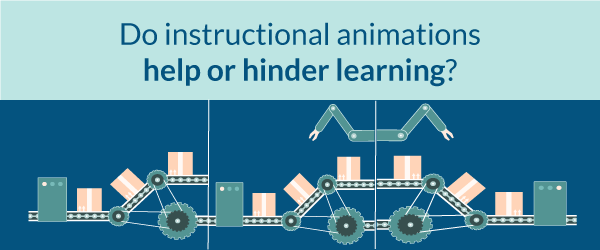
Do instructional animations help or hinder learning?
How can you make animations for learning that are effective? Why do so many animations fail to yield results? Find the answers here.
Models For Designing Your Personal Learning Environment
This is the perfect time for a personal learning environment refresh. Use one of these models to refresh your self-directed learning strategy.
Podcasts
ELC 081: Focusing On Behavior Change in Instructional Design
If you don’t have the right strategy or tool to solve a problem, consider looking at ways to affect behavior change. In this episode, Julie Dirksen explains how to apply a behavior change model to instructional design.

ELC 080: Use Data and Analytics to Level Up Your Instructional Design
Using data and analytics for instructional design may seem difficult. But Megan Torrance explains it in simple terms. Listen in to level up your ID skills.
ELC 079: The Updated Accidental Instructional Designer
The Accidental Instructional Designer has a second edition! Author Cammy Bean provides the big picture view of the learning and development industry.
ELC 078: How to Get Feedback from Learners to Improve Your Designs Part 2
Usability of learning designs should include ease of use as well as instructional effectiveness. In this episode, we discuss many aspects of usability.
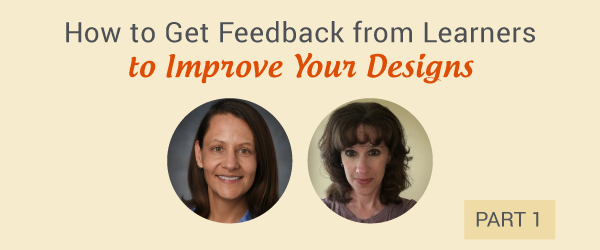
ELC 077: How to Get Feedback from Learners to Improve Your Designs Part 1
In this episode, two researchers discuss how LXD adopts and adapts methods to improve the usability and outcomes of learning design.

ELC 076: How to Get Started with Data-Driven Learning Design
What about gathering audience data before you start to design? Lori Niles-Hofmann explains how.
ELC 075 Finding a Career Path in Instructional Design
In this solo episode, I talk about the diversity of career paths in instructional design for people who are trying to break into the field.
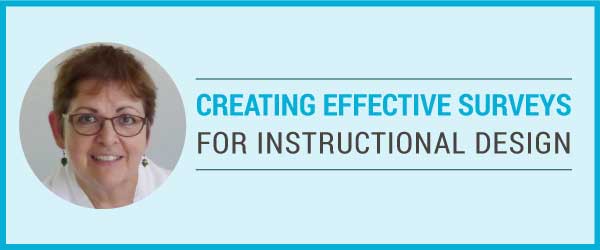
ELC 074: Creating Effective Surveys for Instructional Design
When you create surveys for instructional design do you use a process that will get the most accurate results? In this episode, I explore survey design with forms specialist, Caroline Jarrett.

ELC 073: Using The Jobs To Be Done Framework In Learning Design
Jobs To Be Done can help you address the functional, emotional and social aspects of learning.

ELC 072: The Wonderful World of No Code Tools
In this episode, we’re exploring the wonderful world of no code tools. These are powerful apps that you can use without programming.